← Back to Home

Intelligent Document Processing

Finortal OCR

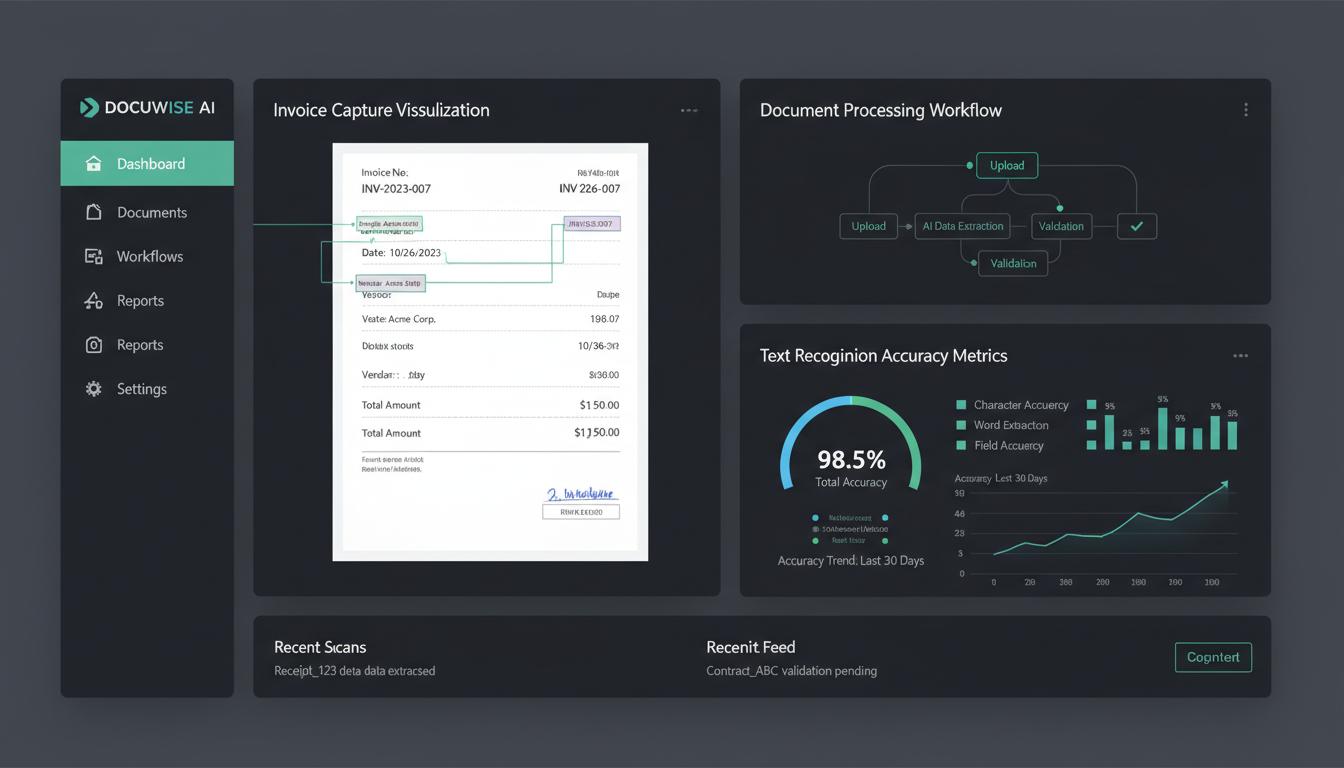
Extract data from any document with 99.5% accuracy using our AI-powered OCR engine. Process invoices, purchase orders, receipts, and any financial document without templates or configuration. Our self-learning system improves with every document processed.

Finortal OCR Dashboard
99.5%
Extraction Accuracy
90%
Data Entry Reduction
100+
Languages Supported
5s
Avg. Processing Time

Everything You Need

Template-free document processing
99.5% data extraction accuracy
Support for 100+ languages
Handwriting recognition
Multi-page document handling
Automatic document classification
Data validation and enrichment
Integration with RPA workflows

Why Choose Finortal OCR?

1

No Template Setup

Start processing documents immediately without weeks of template configuration.

2

Handle Any Format

Process structured, semi-structured, and unstructured documents with equal accuracy.

3

Reduce Data Entry

Eliminate 90% of manual data entry with intelligent automation.

4

Improve Data Quality

Built-in validation ensures extracted data meets your business rules.

5

Scale Instantly

Process thousands of documents per hour without adding headcount.

6

Continuous Learning

The system learns from corrections and improves accuracy over time.

Industry Best Practices

Our SOPs are built on years of industry experience and best practices from leading finance teams.

Document Ingestion SOP

Establish intake channels: email, SFTP, API, scanner, mobile upload. Implement quality checks for document clarity and completeness. Reject documents below minimum resolution thresholds (300 DPI recommended). Route documents to appropriate processing queues based on document type and priority.

Data Extraction & Validation SOP

Configure required fields and data formats for each document type. Set confidence thresholds for automatic acceptance (typically 95%+). Route low-confidence extractions for human verification. Implement business rule validation: PO matching, vendor validation, amount limits.

Exception Handling SOP

Define exception categories: poor image quality, missing fields, validation failures, unclear handwriting. Establish SLAs for exception resolution based on document priority. Implement feedback loops to improve OCR models from corrected exceptions. Track exception rates by document type and vendor.

Quality Assurance SOP

Perform random sampling audits on processed documents. Measure accuracy rates by field type and document category. Conduct periodic model retraining with corrected data. Benchmark performance against manual data entry accuracy rates.

Expert Insights

Deep domain expertise built into every feature, based on years of industry experience.

OCR Technology Types

Traditional OCR converts images to text but requires templates. Intelligent Document Processing (IDP) uses AI to understand document structure. Computer Vision identifies document regions and field types. Natural Language Processing extracts meaning from unstructured text. Modern systems combine all three approaches.

Document Classification

Automatic classification identifies document type without manual sorting. Common financial documents include: invoices, POs, receipts, statements, checks, contracts. Classification accuracy should exceed 99% for production use. Misclassified documents route to exception queues for manual handling.

Data Extraction Challenges

Poor scan quality, skewed images, and noise reduce accuracy. Multi-page documents require page ordering and relationship understanding. Tables and line items need special handling for structure preservation. Handwriting varies significantly and requires specialized models. Stamped or overlaid text can interfere with extraction.

Accuracy Metrics & Benchmarks

Character-level accuracy should exceed 99.5% for printed text. Field-level accuracy should exceed 98% for key data elements. Document-level accuracy (all fields correct) typically ranges 85-95%. Processing speed averages 1-5 seconds per page depending on complexity. Human verification rates should be under 10% for production documents.